How Do I Provide a Reference (Providing a Reference)
Quick Overview
This article explains how to provide an online reference using Referoo. It guides referees through each step of the process, including consent, confirming details, completing a Digital ID Check if required, and submitting the reference.
Main Guide
Recruiters and employers request online Reference Checks using the Referoo platform. Referoo sends automated emails and hosts secure webpages where referees can provide the details needed to complete their reference check at a time that is convenient.
Getting Help
- If you have any questions for the recruiter, such as What does this question mean?” or “Can I provide a phone reference instead?”, please use the recruiter contact details in the top right‑hand corner of your screen or in the email you received to get in touch with them.

- If you have any issues or questions about Referoo emails or webpages, please contact Referoo Support through the chatbox in the bottom right‑hand corner of any Referoo page.

Consent and Digital Signature
Please read the consent statement, enter your name in the Signature box, and click the green 'I Consent' button.
Referoo's Privacy Policy/Data Handling Policy can be found here.
By typing your name into the Signature box, a digital signature will be created for you.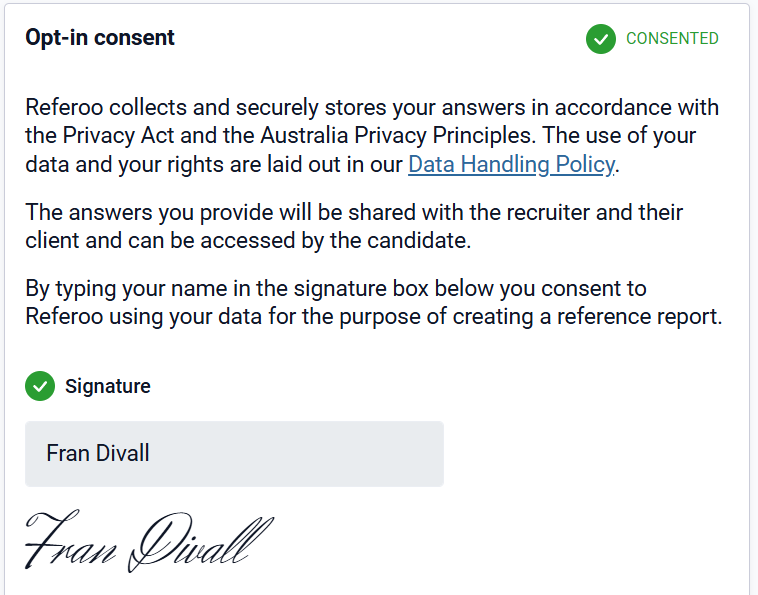
After this, click Next to move on to the next step.

Confirm Your Details
Check the My Details section to ensure the details provided by the candidate are correct. Please review both your contact details and the relationship information before selecting Confirm Your Details.
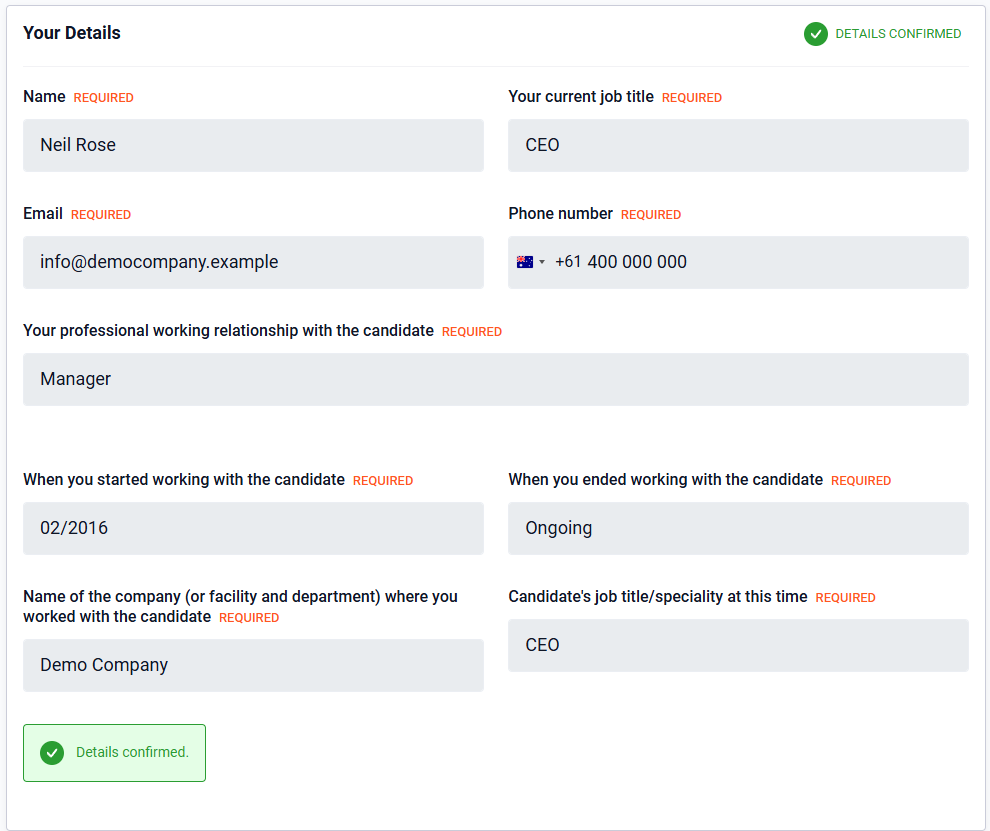
Once confirmed, click Next to continue.

Completing a Digital Identity Check
If you are asked to complete a Digital Identity (ID) Check, the Verify Identity section will appear on your Referee Dashboard.
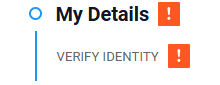
This section may not be visible when you first access your dashboard, as a Digital ID Check can be requested by the recruiter or HR manager at any time.
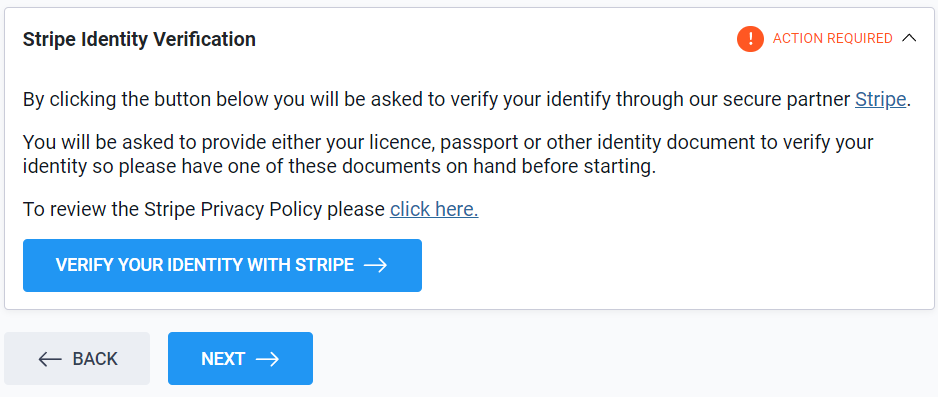
It is recommended to complete the Digital ID Check straight away, however you can continue to provide your reference first and return to complete it later.
It generally takes only a few minutes to complete if you have your licence, passport, or visa available.
⚠️ Providing the ID Document⚠️
- The **types of photo ID documents vary by country**
- You **can choose** which acceptable ID you submit
- You can submit **one ID document per Stripe Digital ID request**
- Acceptable documents are listed per country on Stripe’s website,
It generally takes less than 2 minutes for Stripe to process your Digital ID Check.
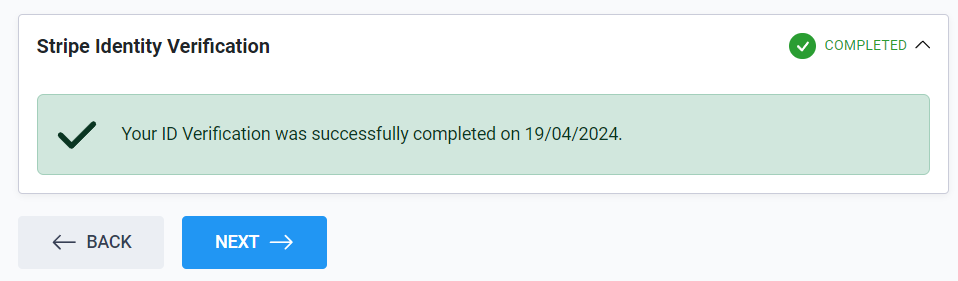
Once completed, you will see a green tick and confirmation message on your dashboard.
Digital ID Reminders and Email Notifications
If the Digital ID Check is not completed straight away, you will continue to receive reminder emails from Referoo for several days.
Once completed, your Referee Dashboard will show a green completion tick; however, you will not receive another confirmation email.
Completing the Questionnaire
On the next page, you will see the list of questions the recruiter is asking you to complete.
Please provide honest and informative answers. Any question marked with an asterisk (*) is mandatory.
Submit the Reference
Once you have double‑checked that all answers are complete, click the Submit button.
It may take up to 10 seconds for your answers to be saved. Please do not close the page until you see the Response Received confirmation screen.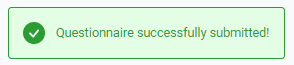
Summary Page
Once your answers have been saved and submitted, you may be given the option to:
- Further verify your reference by linking it to your LinkedIn account
- Indicate you are open to hearing about other roles
- Indicate you would appreciate help with hiring needs
- Download a copy of your reference by clicking Download Your Reference

You’re all done. You can now close the page.
Frequently Asked Questions
Can I complete the reference later?
Yes. You can return later to complete the Digital ID Check if required.
Do I need to complete a Digital ID Check?
Only if requested by the recruiter or employer.
Why am I receiving reminder emails?
These are sent if a required Digital ID Check has not yet been completed
How do I rectify a mistake in a reference request?
Once the reference has been submitted, updating it is no longer possible. It's best to reach out directly to the recruiter to let them know that you would like to make changes to the answers you provided.
Note: Recruiter contact details can be found in the top right corner of your screen.
Can I download a copy of my reference?
Yes. A PDF copy is available after submission.
Need Help?
If you need assistance, please contact Referoo support via the chatbox on any Referoo page or email support@referoo.com.